Nikon Z fc / Z f · Wi-Fi PTP/IP remote

The remote that feels like a camera.

蕉连 / Jiao Connector turns iPhone and iPad into a tactile Nikon Z remote — live view, real dials, and every frame intact.

Wi-Fi PTP/IP Z fc / Z f On-device No account

Status Ready

Landscape shooting deck with viewfinder and exposure dials · iPhone

Landscape deck · finder left, dials right Shutter under the right thumb

The idea

Most camera apps are a web form bolted to a lens. Jiao Connector is built like the body — a machined dial for every parameter, black kept for the finder, red kept for the shutter.

Instrument set

Every control is a piece of hardware.

No sliders pretending to be dials. The whole surface borrows the camera's own grammar — knobs, engraved plates, a lens-mount connect ring, a shutter with a red collar.

01 · Live view

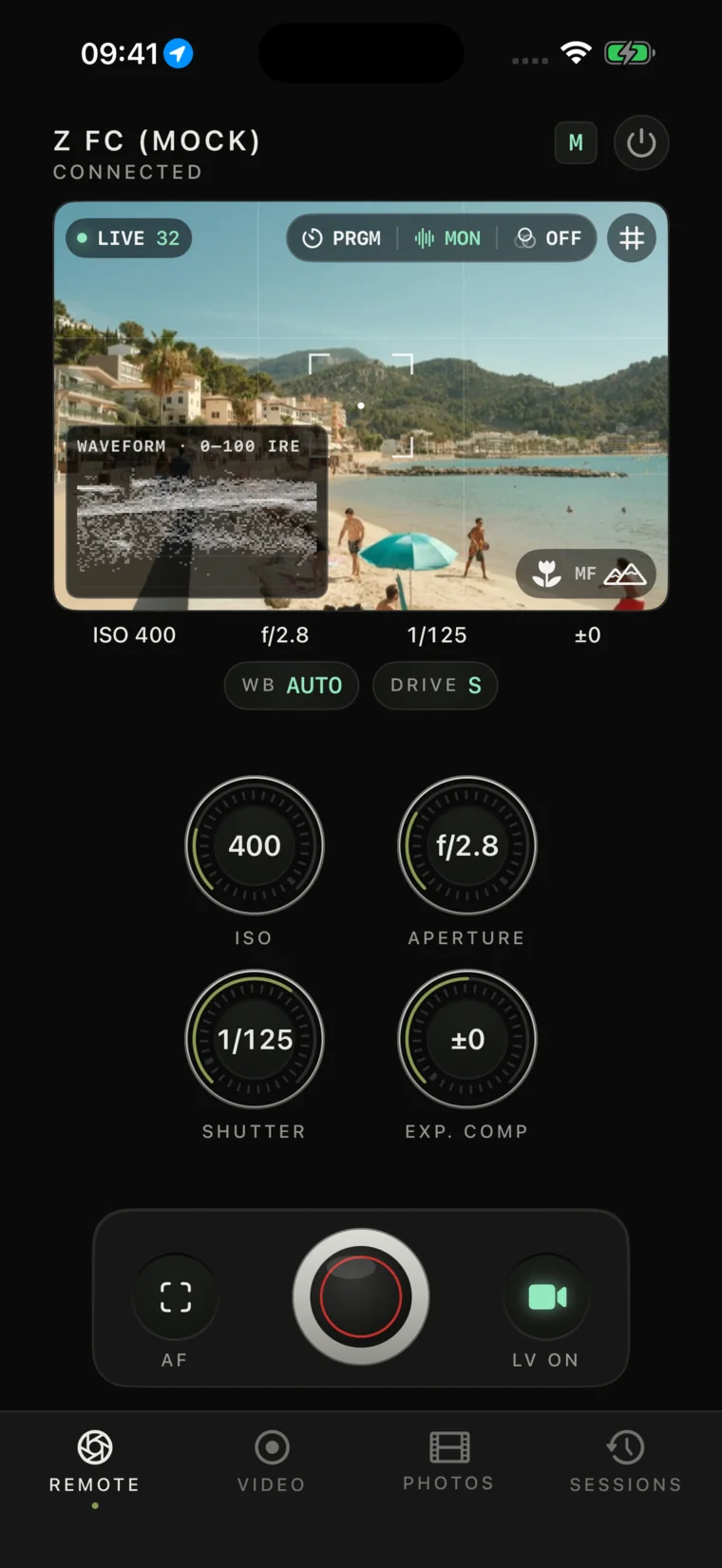
See what the sensor sees.

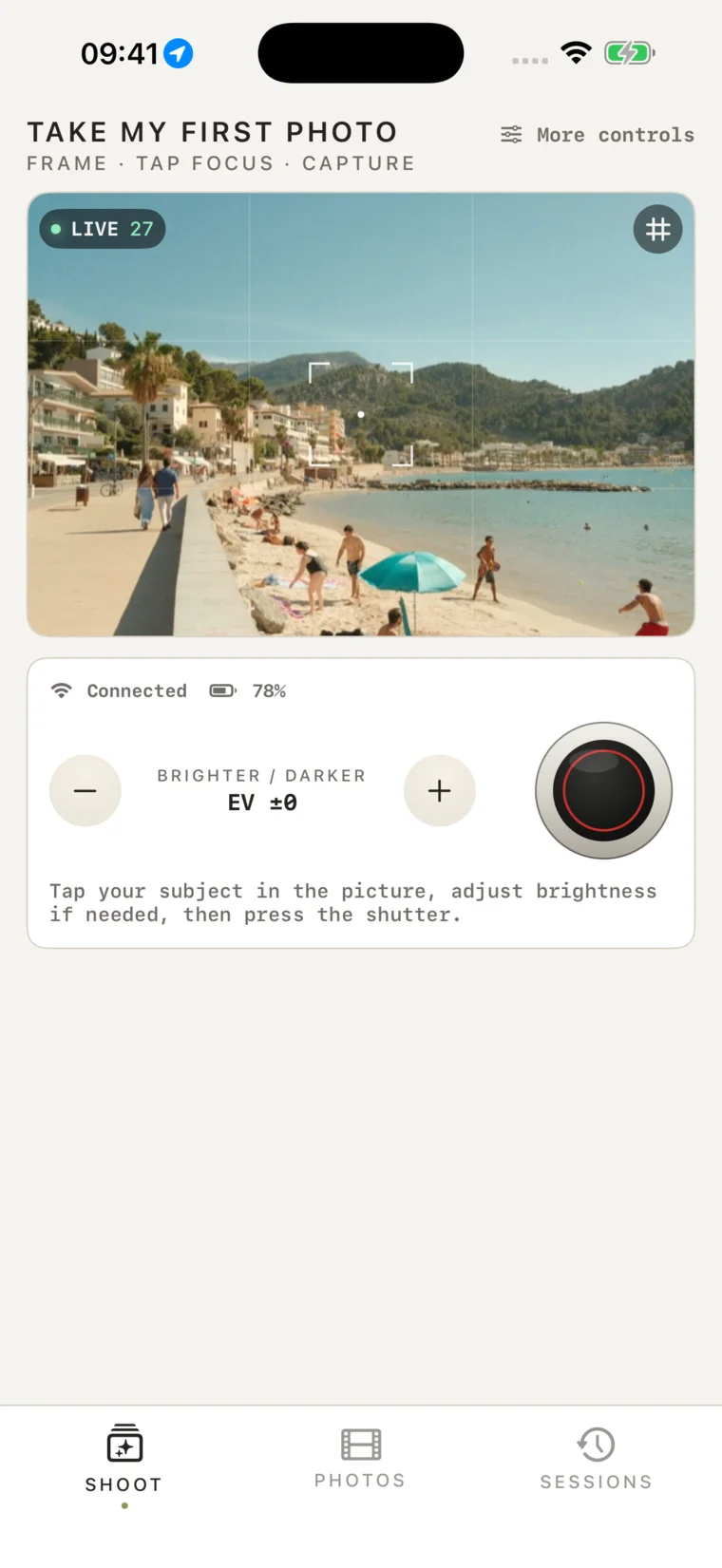
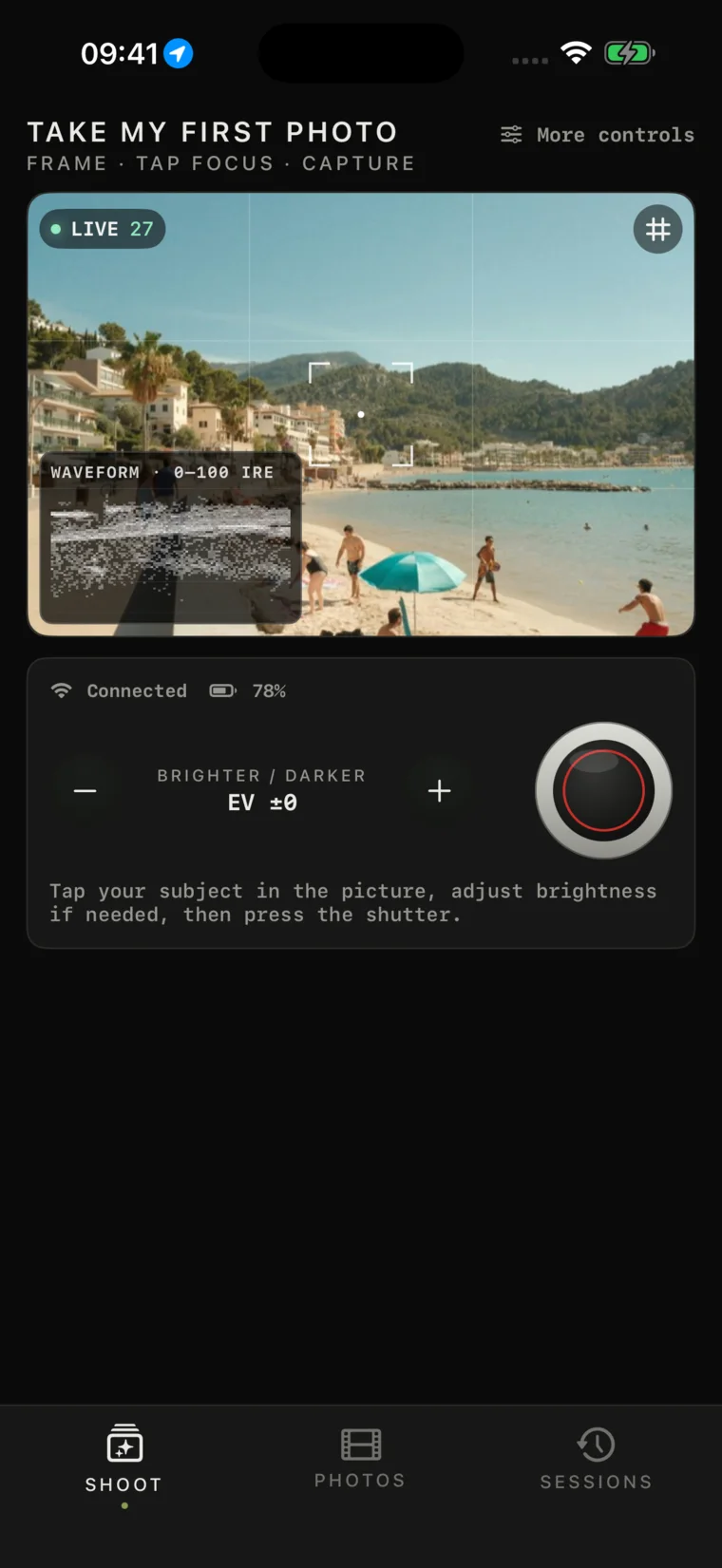
Full live view with a composition grid, a LIVE badge, and tap-to-focus straight on the frame.

Live-view remote with tactile exposure controls · iPhone
iPhone
Live-view remote with tactile exposure controls · iPad
iPad · finder detail
02 · Contact sheet

Pull frames, keep the EXIF.

Download JPEG or NEF, save to Photos with metadata intact, batch-select, and delete from the card with a double-confirm.

Camera-card contact sheet with selectable photos · iPhone
iPhone
Camera-card contact sheet with selectable photos · iPad
iPad · contact-sheet detail
03 · Motion

Record to the card, from the finder.

Bodies that advertise Nikon's movie start/stop pair record straight to the camera card, with a standby / timecode readout under the finder.

Video viewfinder with recording controls · iPhone
iPhone
Video viewfinder with recording controls · iPad
iPad · finder detail
Jiao Connector connection screen · iPhone
iPhone · home

Getting started

One knob to connect.

  1. 1On the camera — MENU → Connect to smart device → Wi-Fi connection → Establish Wi-Fi connection.
  2. 2On this device — Settings → Wi-Fi → join the camera's network, then come back and press the mount.

No camera with you? Demo Mode runs the whole app against a built-in mock body — finder, dials, gallery, video — so you can feel it before you connect.

One body · eight signatures

Wear your favourite brand's colour.

The chassis stays cream-and-steel; only the accent changes. Choose a signature and the instrument — and this page — responds.

Live on this page — the accent you pick recolours it.

Compatibility

What it talks to.

Transport
Wi-Fi PTP/IP · TCP 15740
Bodies
Nikon Z fc · Z f · broader Z hardware-gated
Files
JPEG + NEF · EXIF preserved
Data
On-device · no account · no tracking
Platform
iOS 17+ · iPhone + iPad
Languages
English · 中文 · 日本語

Verified, not promised

The support matrix.

Every green cell was demonstrated on a physical body. Until then, a capability stays amber or grey — this app under-claims by design.

View the full verification matrix
Capability Nikon Z fc Nikon Z f
Connect · live view · photo capture Verifiedinitial hardware smoke · 2026-07-10 Pending hardware
Exposure dials · white balance · drive mode controls appear only when the body reports PTP support Verifiedinitial hardware smoke · 2026-07-10 Pending hardware
Tap-to-focus · MF rocker Verifiedinitial hardware smoke · 2026-07-10 Pending hardware
Gallery — download, EXIF-preserving save, card delete Verifiedinitial hardware smoke · 2026-07-10 Pending hardware
Movie record to card enabled only when the body advertises the start/stop operation pair (0x920A / 0x920B) Verifiedinitial hardware smoke · 2026-07-10 Pending hardware
Monitor suite — LUT looks & .cube import, histogram, peaking, zebras, false colour, framing guides · per-photo JPEG export Verifiedon-device processing — works with any body, and in Demo Mode
USB-C / tethered connection Not supportedWi-Fi only, by design
Bulb/Time · live-view zoom · Pixel Shift · Picture Control Not in 0.7.0hardware-gated — see the bench below

Other Nikon Z bodies may work where they expose the same smart-device connection — support is claimed per body, only after hardware verification.

On the benchWhat's next after 0.7.0.

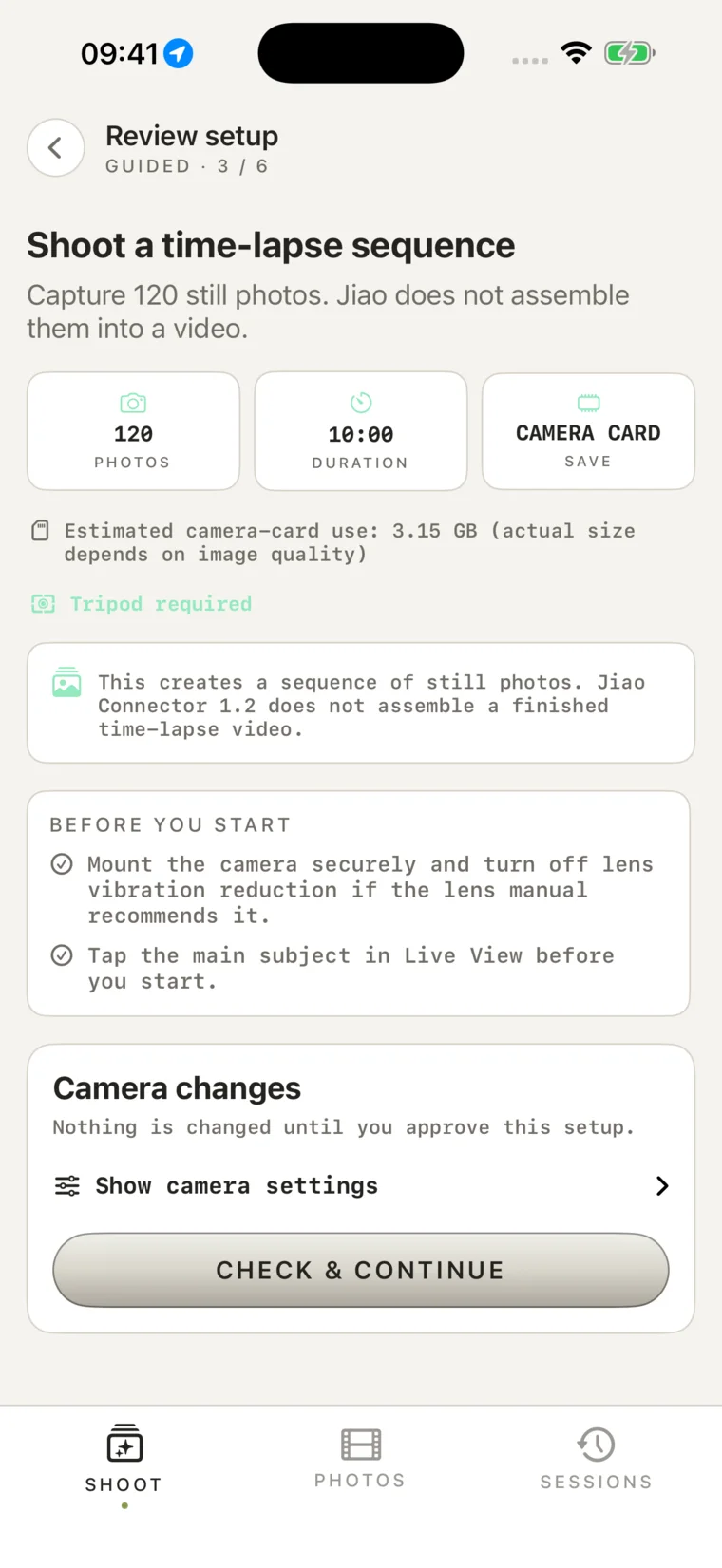
Researched against the Nikon Z manuals and the pro Z remote apps. The monitor suite shipped in 0.7.0; each camera-driven shooting feature follows as it's verified on hardware.

Monitoring · shipped in 0.7.0
Custom .cube LUT import · live histogram · focus peaking · zebras & false colour · framing guides
Shooting
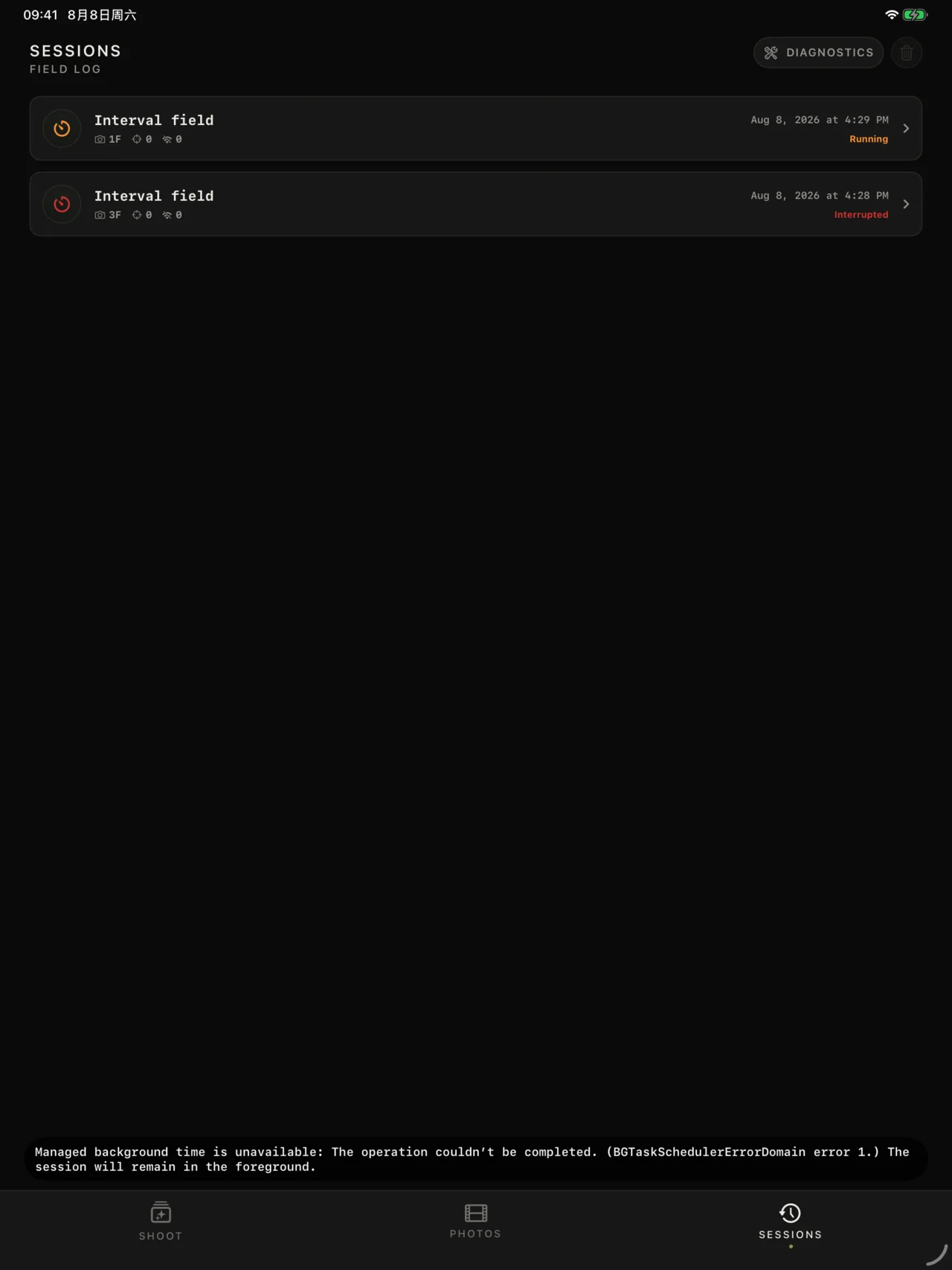
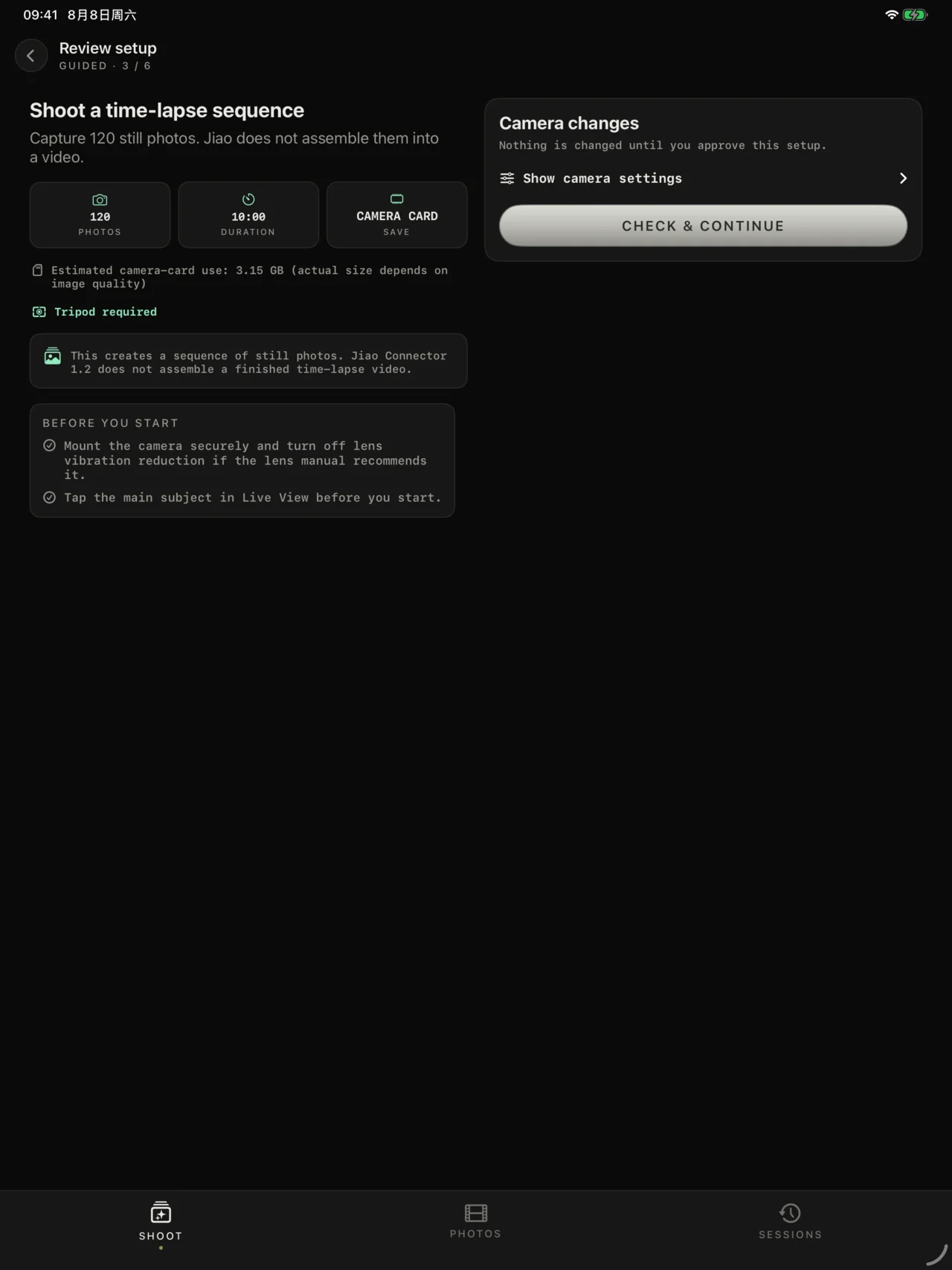
Interval & time-lapse · focus-shift stacking · bracketing · self-timer · Picture Control · HEIF · Pixel Shift

Questions

Before you connect.

Which cameras work?

The Nikon Z fc and Z f are the primary targets, over the camera's own Wi-Fi using Nikon PTP/IP. Other Nikon Z bodies may work where they expose the same smart-device connection, but nothing is claimed until it's verified on hardware.

Do I need internet or an account?

No. The app talks directly to your camera over its local Wi-Fi network. There's no account, no cloud, and nothing is uploaded to any server.

Does it support a USB cable or tether?

No. Jiao Connector is Wi-Fi only by design — the home screen offers a single, focused connect action.

Will my EXIF survive downloading?

Yes. Downloads keep the camera's original bytes, and saving to Photos preserves ISO, aperture, shutter, and capture date. RAW (NEF) goes through the same path.

Can I delete photos from the card?

Yes, behind a deliberate double-confirm. Protected frames are respected, and if the camera refuses a delete the reason is shown plainly.

How does RAW + JPEG work?

Paired captures group into one frame with a RAW+J badge; you choose JPEG or NEF when you download, and selection or delete acts on the pair.

Can it record video?

Yes. Nikon bodies advertising the movie start/stop operation pair can record to the camera card from the Video screen. Initial Z fc photo and video smoke checks have passed; Demo Mode remains available without hardware.

What does it collect about me?

Nothing. No tracking, no analytics, no data collection, no ads. See the privacy policy for the full detail.

Does it work on iPad?

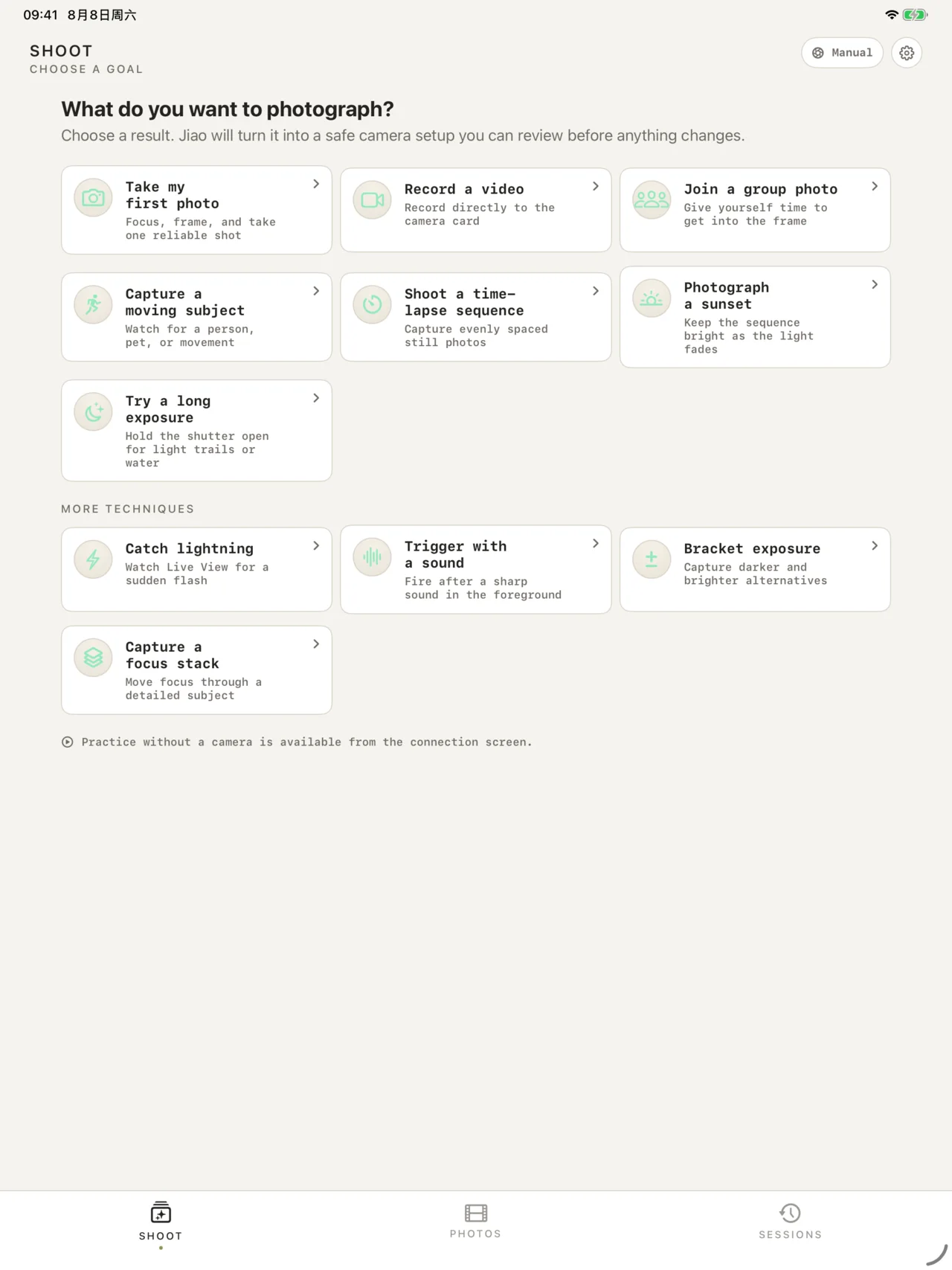
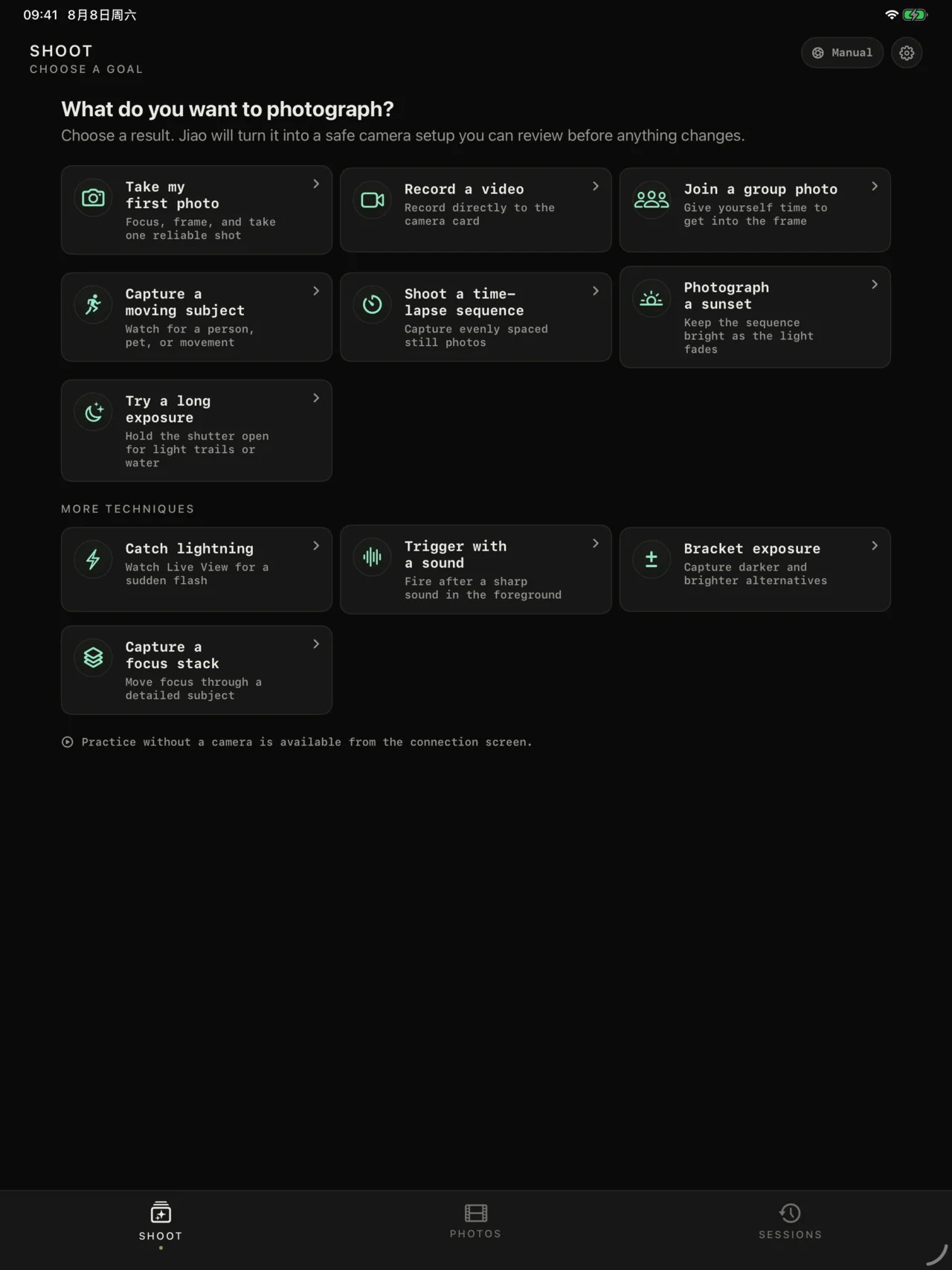
Yes — a full landscape instrument deck with the shutter anchored for right-thumb reach, and the same focused single-column layout as iPhone in portrait. The viewfinder always leads.

Where can I get it?

It's in private testing (TestFlight) ahead of an App Store release. Try Demo Mode inside the app to feel the whole experience without a camera.

Privacy

Jiao Connector collects nothing. No account, no analytics, no tracking. Your camera talks to your phone over local Wi-Fi and nowhere else; photos you save go straight into your own library.

Full privacy policy
Jiao Connector · 蕉连

A camera remote should disappear into the act of making a photograph.

Back to the top